
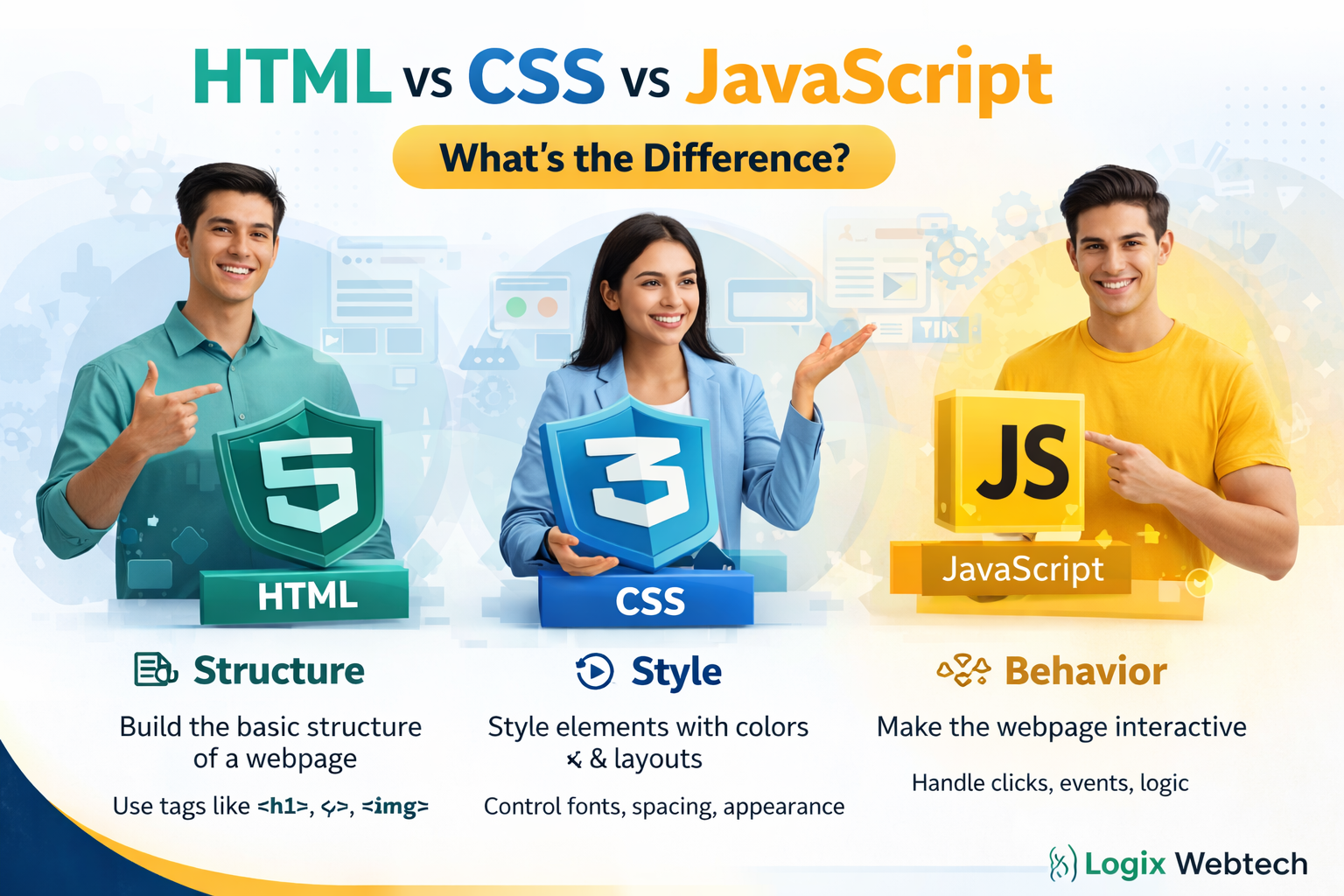
If you’re stepping into the world of web development, you’ve probably heard these three terms again and again: HTML, CSS, and JavaScript. They are the backbone of every website you see on the internet. But what exactly do they do, and how are they different from each other?
Understanding these three technologies is the first and most important step toward becoming a web developer. Whether you want to build your own website, prepare for exams, or start a career in tech, knowing the difference between HTML, CSS, and JavaScript will give you a strong foundation.
Let’s break it down in a simple, clear, and slightly deeper way so you can truly understand how these three technologies work together to build modern websites.
Also Read: Why Secure Websites (HTTPS) Matter for SEO & Users
HTML: The Structure (Skeleton of a Website)
HTML stands for HyperText Markup Language. Think of it as the foundation or skeleton of a webpage. Just like a building needs a proper structure before decoration, a website needs HTML to define its basic layout.
It is used to define the structure of content on the web. With HTML, you can create elements like:
✔ Headings (h1 to h6)
✔ Paragraphs
✔ Images
✔ Links (anchor tags)
✔ Tables
✔Lists (ordered and unordered)
✔ Forms (input fields, buttons, etc.)
HTML uses tags to organize content. These tags tell the browser what each piece of content represents.
Example:
<h1>Welcome to My Website</h1>
<p>This is a paragraph.</p>
<a href="https://example.com">Visit Website</a>
In this example:
✔ <h1> defines a heading
✔ <p> defines a paragraph
✔ <a> creates a clickable link
Without HTML, there would be no structure—just a blank page. The browser wouldn’t know what content to display or how to organize it.
👉 In simple terms: HTML tells the browser what to show and how content is structured.
CSS: The Design (Look & Feel)
CSS stands for Cascading Style Sheets. While HTML builds the structure, CSS is responsible for making that structure look attractive and visually appealing.
If HTML is the skeleton, CSS is the skin, clothes, and overall appearance of the website.
CSS is used to control:
✔ Colors (text color, background color)
✔ Fonts and typography
✔ Spacing (margin, padding)
✔ Layout (grid, flexbox)
✔ Borders and shadows
✔ Animations and transitions
Example:
h1 {
color: blue;
text-align: center;
font-size: 32px;
}
p {
color: gray;
line-height: 1.5;
}
This code changes the appearance of the HTML elements:
✔ The heading becomes blue and centered
✔ The paragraph becomes gray with better spacing
Without CSS, your website would look very plain, just black text on a white background with no design or layout. It would function, but it wouldn’t be visually appealing.
👉 In simple terms: CSS tells the browser how things should look and feel.
JavaScript: The Behavior (Brain of the Website)
JavaScript is a programming language that adds intelligence and interactivity to a website. It allows websites to respond to user actions and perform dynamic updates.
If HTML is the structure and CSS is the design, JavaScript is the brain that makes everything interactive.
With JavaScript, you can:
✔ Handle user events (clicks, typing, scrolling)
✔ Show alerts and notifications
✔ Validate forms
✔ Update content without reloading the page
✔ Fetch data from servers (APIs)
✔ Create games and complex applications
Example:
button.onclick = function() {
alert("Button clicked!");
};
Here, when a user clicks a button, an alert message appears. This is something HTML and CSS alone cannot do.
Another common example is form validation—JavaScript checks whether the user has entered correct information before submitting a form.
Without JavaScript, your website would be static. Users could see content, but they wouldn’t be able to interact with it in meaningful ways.
👉 In simple terms: JavaScript tells the browser how things should behave and respond.
How They Work Together
To understand their relationship better, imagine building a house:
✔ HTML is the structure (walls, roof, rooms)
✔ CSS is the paint and decoration (colors, furniture, design)
✔ JavaScript is the electricity and automation (lights, switches, smart systems)
Let’s take a real-world example of a button on a website:
✔ HTML creates the button
✔ CSS styles the button (color, size, shape)
✔ JavaScript defines what happens when the button is clicked
All three technologies are used together in almost every modern website. You cannot build a fully functional and attractive website using just one of them.
Also Read: What Are the Most Important Web Development Trends in 2026?
Why You Should Learn All Three
If you want to become a web developer, learning these three technologies is essential. They are the foundation of frontend development.
Here’s the best learning order:
1. Start with HTML – Learn structure and tags
2. Move to CSS – Learn styling and layout
3. Learn JavaScript – Add logic and interactivity
Once you master these, you can move on to advanced frameworks like React, Angular, or Vue.
Final Thoughts
HTML, CSS, and JavaScript are not competitors, they are teammates. Each one plays a unique and important role in building modern websites. HTML gives structure, CSS adds beauty, and JavaScript brings life to the page.
The more you practice combining these three, the more confident you will become in web development. Start small, build simple projects, and gradually move toward more complex applications.
Whether you’re preparing for exams, building a personal portfolio, or aiming for a developer job, mastering these three technologies is your first big step toward success.